
When sending a newsletter, it matters which sender address and sender name you use — it affects your results.

5. september 2025
An email has both:
Visible sender details - the sender name and the mail address the recipient can see.
Technical details - which are only visible if you open the technical details.
Here is an example of a newsletter from my own Gmail inbox showing what I mean:
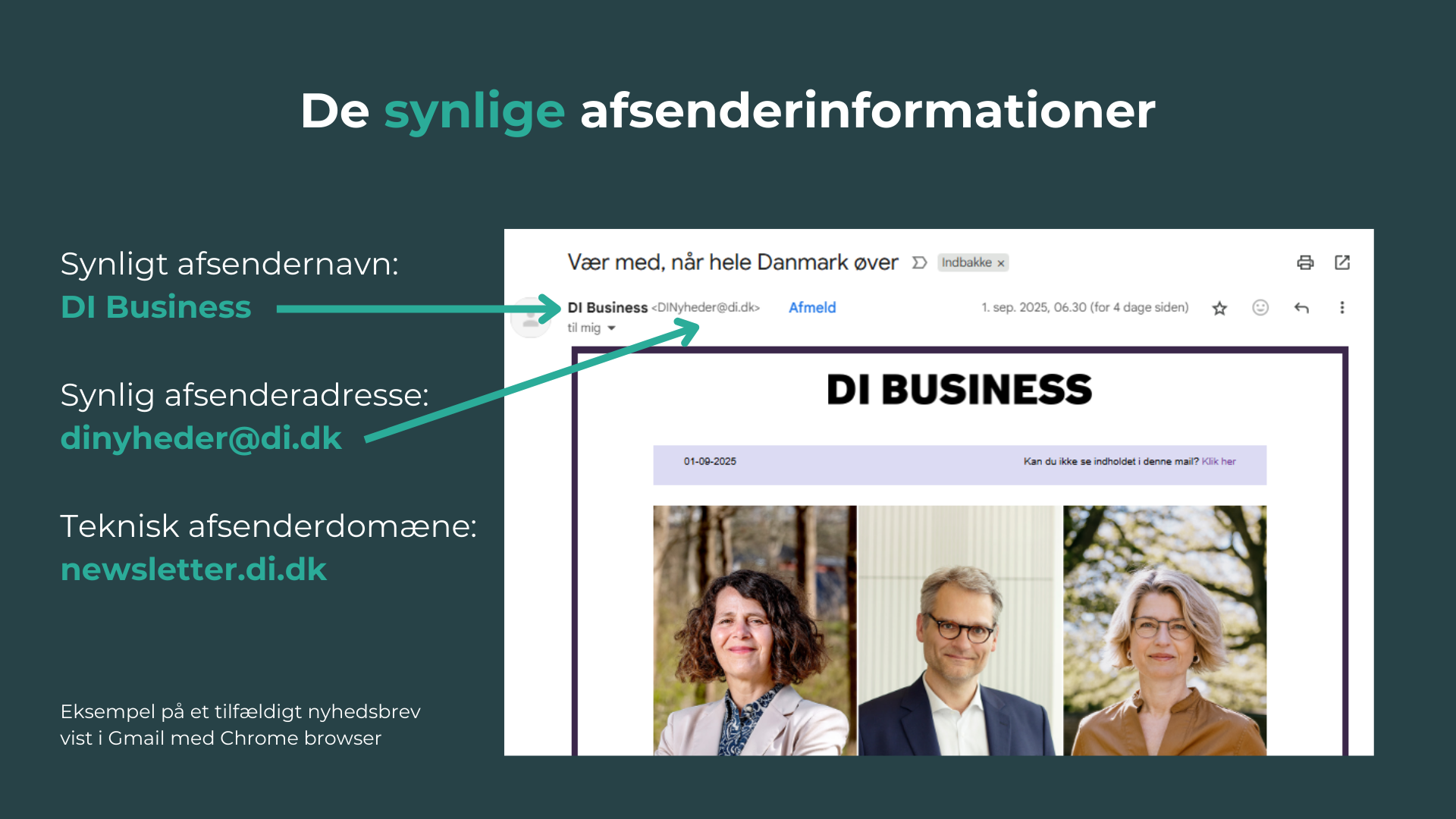
Dansk Industri is not a Yulsn customer, but they have chosen exactly the model we currently recommend to our customers:
Why we recommend using the main domain in the visible sender address:
It builds trust. The recipient can see immediately that the mail comes from the right company.
It minimises uncertainty at a time when spam and phishing are taking up more and more space.
What about auto-replies, bounces and returned mail?
Both we and other email marketing systems handle so-called bounces and auto-replies regardless of which visible sender address is used.
Some auto-replies and manual replies will still be sent to the visible sender address despite this.
Our experience, though, is that even companies with over 1 million recipients sending many mails a week can handle this easily.
Exactly which setup to choose in a given company depends a great deal on how customer service is handled generally in that company.
Here are some of our most important recommendations in that respect:
I am well aware that most people have got used to not being able to reply to newsletters from companies, and that most large companies make it very difficult for their customers to get in personal contact with customer service.
I am also well aware that in large companies it can take an effort across marketing, customer service and IT to arrive at the optimal setup for how the different mailboxes should be handled.
But I think it is an obvious opportunity to stand out by giving better service to the people you send a lot of mail to – and whom you try, in other contexts, to get to engage by answering satisfaction surveys, taking part in games and competitions and so on.
So a short summary is:
Use your main domain in the visible sender address on all your mails.
Make it possible for recipients to reply – and set up automation so you can handle their enquiries.
By doing so you create confidence, stability and credibility – and better results.